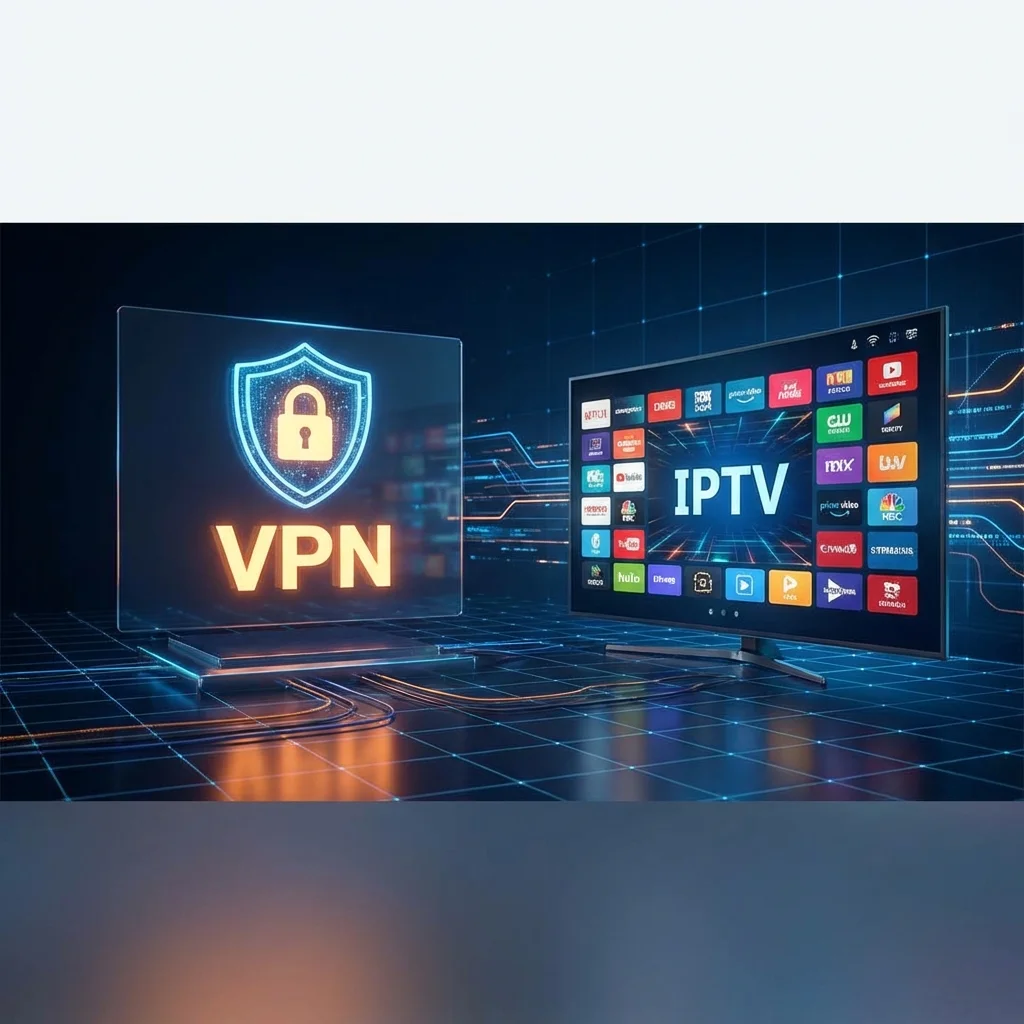
Why You Should Use a VPN for IPTV Streaming
A Virtual Private Network (VPN) has become an essential companion for IPTV users in 2026. Internet service providers routinely throttle streaming traffic, governments impose geo-restrictions on content, and privacy concerns continue to grow. A quality VPN addresses all three issues simultaneously by encrypting your connection, masking your IP address, and routing your traffic through secure servers worldwide.
Top Benefits of Pairing a VPN with IPTV
Prevent ISP Throttling
Many internet providers deliberately slow down IPTV and streaming traffic during peak hours. When you connect through a VPN, your ISP can no longer identify what type of content you are accessing, which means they cannot selectively reduce your bandwidth. This often results in smoother playback, fewer buffer interruptions, and consistent 4K quality.
Bypass Geographic Restrictions
Certain IPTV channels and content libraries are only available in specific countries. A VPN lets you connect to a server in any supported region, effectively unlocking channels that would otherwise be blocked in your location. This is particularly useful for accessing sports broadcasts that implement regional blackout policies.
Protect Your Online Privacy
A VPN encrypts all data traveling between your device and the internet, shielding your streaming activity from being monitored by your ISP, advertisers, or any third parties. This layer of privacy protection is especially important when using IPTV services over public or shared Wi-Fi networks.
What to Look For in an IPTV VPN
Not every VPN performs well with IPTV streaming. Here are the essential features to prioritize:
- High-speed servers: Look for providers with servers optimized for streaming — minimum 100 Mbps throughput for 4K content
- Global server network: More server locations mean more geo-unblocking options
- No-logs policy: Ensure the provider does not store records of your browsing or streaming activity
- Device compatibility: The VPN should work natively on Firestick, Android TV, Samsung Smart TVs, iOS, and desktop platforms
- Kill switch: Automatically disconnects your internet if the VPN drops to prevent data leaks
- Unlimited bandwidth: Avoid VPNs with data caps that could interrupt long streaming sessions
Recommended VPN Providers for IPTV
1. NordVPN — Best Overall for IPTV
NordVPN operates over 5,800 servers across 60+ countries, making it one of the most versatile options for IPTV streaming. Its proprietary NordLynx protocol delivers blazing speeds with minimal latency. The app is available on virtually every platform and supports simultaneous connections on up to 6 devices.
2. ExpressVPN — Fastest Speeds
Known for its Lightway protocol and consistently fast performance, ExpressVPN is an excellent choice for 4K IPTV streaming. With servers in 94 countries, it provides exceptional global coverage. The user-friendly interface and reliable connection make it a favorite among both beginners and advanced users.
3. Surfshark — Best Budget Option
Surfshark offers unlimited simultaneous connections at one of the lowest price points in the market. Despite its affordable pricing, performance remains competitive with premium alternatives. Its CleanWeb feature also blocks ads and trackers during streaming sessions.
Setting Up a VPN on Your Streaming Device
On Amazon Firestick
Search for your VPN provider in the Amazon App Store, install the app, log in with your credentials, and connect to a server. The entire process takes under two minutes. For a detailed walkthrough, see our Firestick IPTV installation guide.
On Android TV & Smart TVs
Download the VPN app from the Google Play Store, sign in, and select a server location. If your Smart TV does not support VPN apps natively, configure the VPN directly on your Wi-Fi router to protect all connected devices at once.
On iOS, Windows & Mac
Install the VPN from your platform's app store, authenticate, and connect before launching your IPTV application. Most premium VPNs offer one-click connection features that make the process effortless.
"Enabling NordVPN completely eliminated the buffering I was experiencing during Champions League matches. My ISP was throttling my stream, and the VPN fixed it instantly." — Sonix IPTV User
Should You Always Use a VPN for IPTV?
While a VPN is not strictly required to use IPTV, it is strongly recommended for anyone who values consistent streaming quality and online privacy. If you experience frequent buffering or freezing, a VPN is often the simplest and most effective solution — especially if your ISP is throttling your connection.