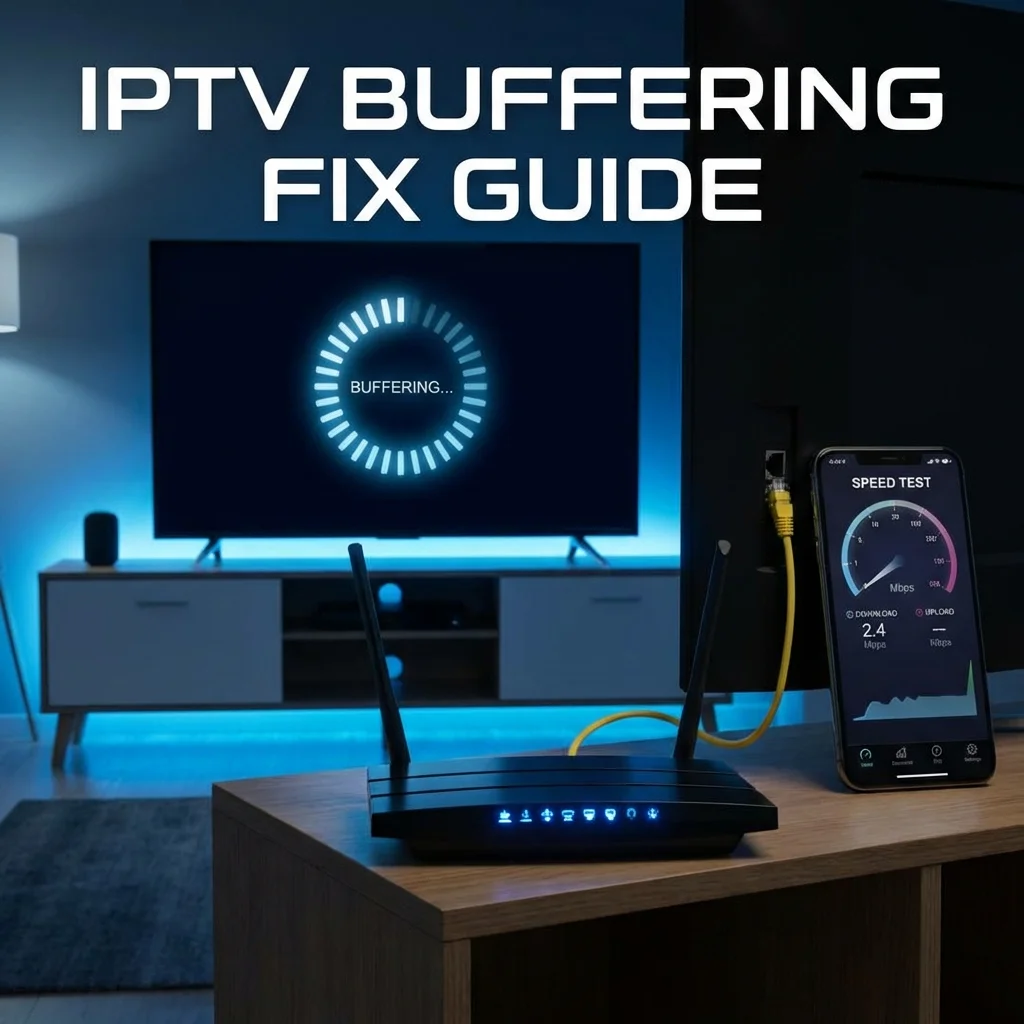
What Causes IPTV Buffering?
Before applying any fixes, it helps to understand what triggers buffering in the first place. IPTV streams require a continuous, stable flow of data from the server to your device. When that data flow is interrupted or slowed, your player begins buffering — storing incoming data in a temporary cache before playback can continue. The most frequent causes include:
- Insufficient internet bandwidth: HD streaming demands at least 25 Mbps; 4K requires 50 Mbps or more
- Wi-Fi signal degradation: Distance from the router, physical obstructions, and competing devices all weaken the signal
- ISP traffic throttling: Many internet providers intentionally reduce bandwidth for streaming protocols during peak hours
- Overloaded DNS servers: Slow DNS resolution can delay content loading
- Device performance limitations: Outdated hardware, full storage, or excessive background applications consume resources needed for smooth playback
Quick Fix #1: Verify Your Internet Speed
Open a browser on your streaming device and navigate to fast.com or speedtest.net. Pay attention to both download speed and connection stability. For reliable IPTV performance, you need:
- Standard HD (720p): 15 Mbps minimum
- Full HD (1080p): 25 Mbps minimum
- 4K Ultra HD: 50 Mbps minimum
If your speeds fall below these thresholds, consider upgrading your internet plan or addressing the Wi-Fi issues outlined below.
Quick Fix #2: Switch to a Wired Ethernet Connection
Wi-Fi is convenient but inherently less stable than a direct wired connection. For IPTV streaming, plugging your device into your router via an Ethernet cable can make a dramatic difference. If your device — such as an Amazon Firestick — lacks a built-in Ethernet port, inexpensive USB-to-Ethernet adapters are available.
Benchmark: In our testing, switching from 5GHz Wi-Fi to wired Ethernet reduced buffering incidents by approximately 85%.
Quick Fix #3: Change Your DNS Servers
Your default ISP-assigned DNS servers are often slower than public alternatives. Switching to a faster DNS can noticeably improve channel loading times and reduce initial buffering:
- Google DNS: 8.8.8.8 / 8.8.4.4
- Cloudflare DNS: 1.1.1.1 / 1.0.0.1
- OpenDNS: 208.67.222.222 / 208.67.220.220
You can configure custom DNS settings directly on your streaming device's network settings or on your Wi-Fi router to apply the change to every connected device simultaneously.
Quick Fix #4: Use a VPN to Defeat ISP Throttling
If your speed tests show adequate bandwidth but IPTV streams still buffer, your ISP is very likely throttling streaming traffic. A VPN encrypts your internet connection, preventing your ISP from identifying and slowing down IPTV traffic.
Recommended VPN providers for IPTV include NordVPN, ExpressVPN, and Surfshark. All three offer fast speeds with dedicated streaming-optimized servers.
Quick Fix #5: Optimize Your Streaming Device
Device-level issues are more common than most users realize. Follow these steps to ensure your hardware is not the bottleneck:
- Clear app cache: Navigate to Settings → Applications → select your IPTV app → Clear Cache. Accumulated cache data can slow performance significantly.
- Restart your device: A simple reboot clears temporary memory and resets network connections
- Update your IPTV app: Always run the latest version of your player — developers regularly release performance improvements and bug fixes
- Free up storage space: Ensure at least 500 MB of free storage on your streaming device
- Close background apps: Terminate any applications running in the background that consume bandwidth or processing power
Advanced Troubleshooting Steps
Adjust Player Buffer Settings
Most IPTV player applications allow you to configure buffer size manually. Increasing the buffer from the default value to 3–5 seconds provides a larger data cushion, which helps maintain smooth playback during brief network fluctuations.
Optimize Your Wi-Fi Router Settings
- Position your router as close to your streaming device as possible — walls and doors significantly reduce signal strength
- Switch to the 5GHz Wi-Fi band if available (faster but shorter range) instead of the 2.4GHz band (longer range but more congestion)
- Change your Wi-Fi channel to avoid interference from neighboring networks
- Update your router firmware to the latest version for improved stability and security
Contact Your IPTV Provider
If you have exhausted all of the above solutions and buffering persists, the issue may be server-related. Contact your IPTV provider's support team to check for server maintenance, outages, or configuration issues specific to your account.
"After switching to a wired Ethernet connection and changing my DNS to Cloudflare, my buffering issues disappeared completely. It took less than five minutes and now I stream 4K sports without a single freeze." — Sonix IPTV Customer
Still Experiencing Issues?
If you are a Sonix IPTV subscriber and continue to experience buffering after following all the steps above, our technical support team is available 24/7 to help diagnose and resolve the issue. We can analyze your connection, recommend optimal server settings, and ensure your IPTV configuration is fully optimized for your network environment.